Creating an account
Create a Sanity account
To create a Sanity account go here and enter your name, email and password to create your account. Once you have an account set up you are ready to accept the invite to the project.
We recommend creating this account with your appointed email instead of a personal email so that if there is a position change it is easy to pass the login information to the next person that will need to use it (clerk@exampletown.gov vs johnsmith@email.com).
Email invite to join the website
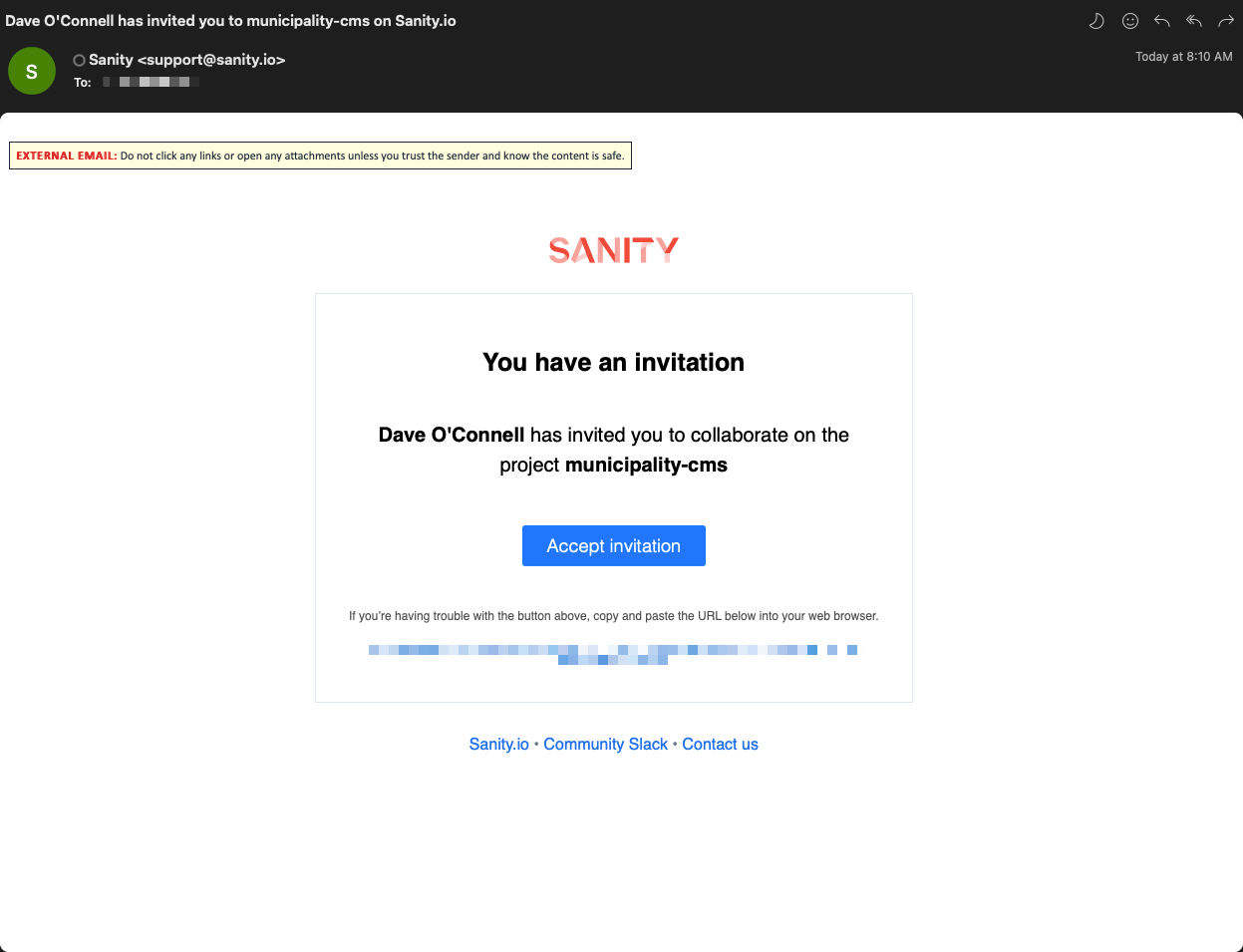
We will email you an invite to the project. Once the email is received, click "Accept Invitation" and sign in to your Sanity account.
Did you lose your login information or haven't received an invite yet? Please contact us so we can get you logged in.
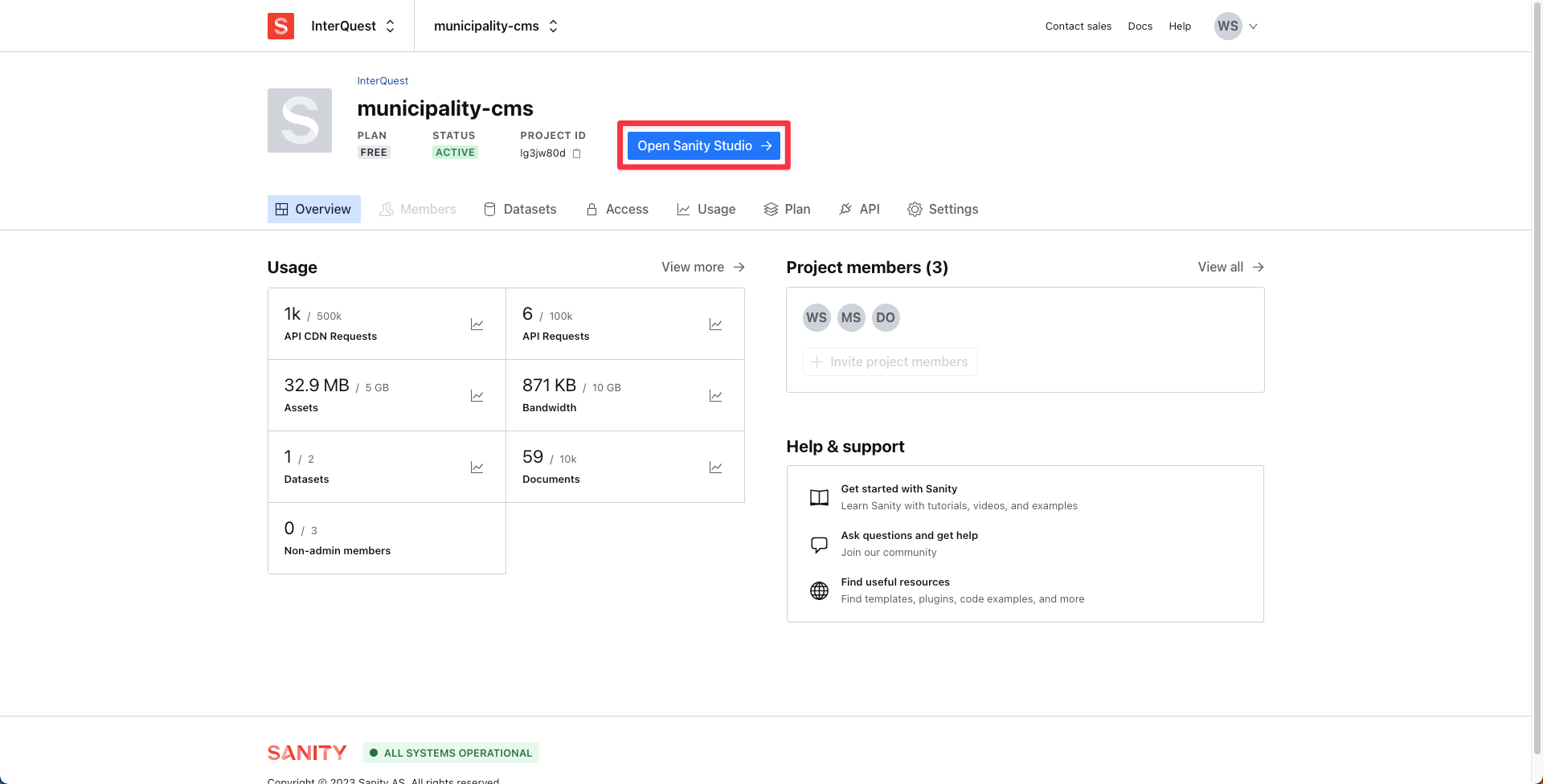
Once you have accepted the invitation you will land on the screen below. You can ignore this screen and click the "Open Sanity Studio" button highlighted in the image below.
Going forward you will not see this page and will be able to login by going directly to your domain with "cms." infront of it (ex: cms.exampletown.com).