Events
What are events used for?
Events are for anything you would like to appear on the events calendar page such as a meeting, election, recycling event, block party, etc.
Each event you create will display on the calendar on the date and time you set for it. When a user clicks on the calendar event it will open a page for that event with some further information about it.
Where do events show up on my website?
Events will appear on the "Events" page as seen here on our template site.
There is a placeholder event on May 31st 2023 for you to view.
How do each of the event fields work?
Event Title
- Text field that is the name or "title" of the event.
Slug
- This helps create the unique link to the post's url. ex:
municipality.interquest.dev/events/town-board-meeting-5-20-23 - You can click "Generate" to automatically generate a slug from the Title.
Slugs Must Be Unique!For events that may be repeated often such as "Town Board Meeting" we advise including the date in the title.
(ex: Town Board Meeting - 5/20/23)
- This helps create the unique link to the post's url. ex:
Event Start
- Start date and time for your event.
Event End
- End date and time for your event.
Event Information
- This is the content that will display in the notes field on the events individual page. (What shows up when you click on the event on the calendar) This field allows for text, images and links.
- You can see an example of this field here.
Event Category
- Category of your event. This helps keep events organized and certain categories of events are automatically displayed on pages based on their category.
Events with a category of ElectionsEvents with a category of "Elections" will display on the "Election Information" page.
Featured Image
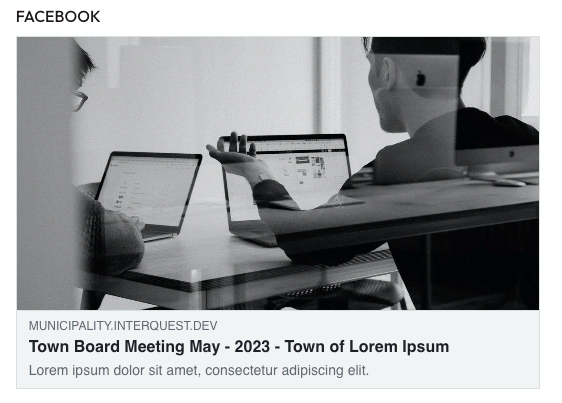
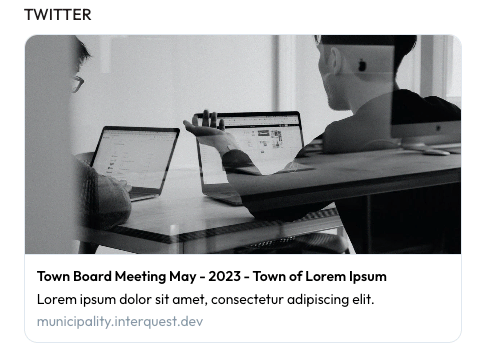
- This image may not be displayed directly on the website, however is displayed when a link to the event is sent to someone or shared on social media. See examples of what links to events look like on social media.
Documents
- Upload your document(s) related to the event or choose from documents you have previously uploaded (ex: registration form, flyer, agenda etc..). Accepted file types are .pdf, .docx, .doc, .xls and .xlsx.
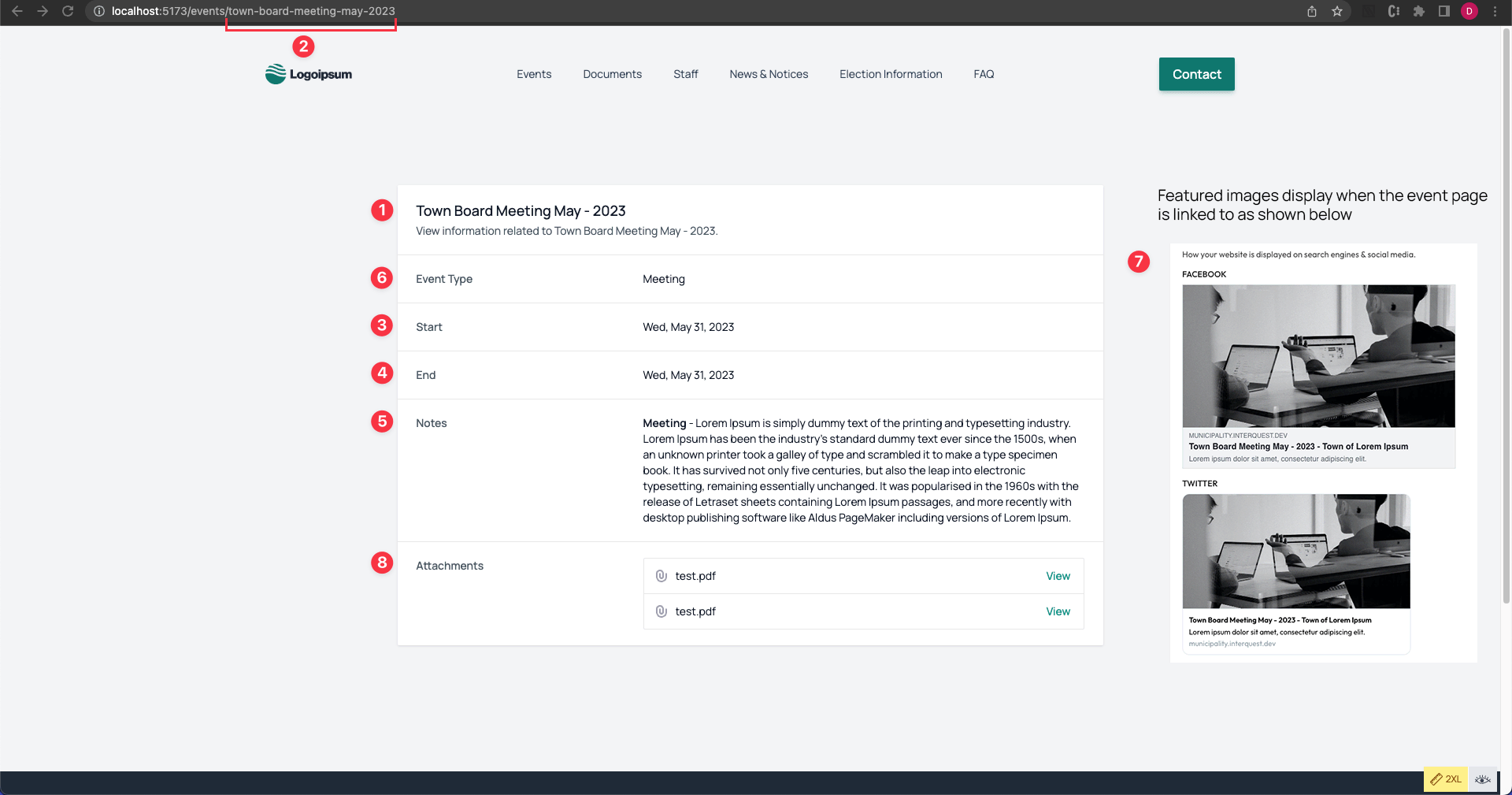
Where does each field display on my website?
For a live example visit an individual events page on our template site here.
- Event Title
- Slug
- Event Start
- Event End
- Event Information
- Event Category
- Featured Image
- Documents
How do fields display when I link to it on social media?
Here are examples of what they will look like on Facebook and Twitter: