Unpublish or Delete an Item
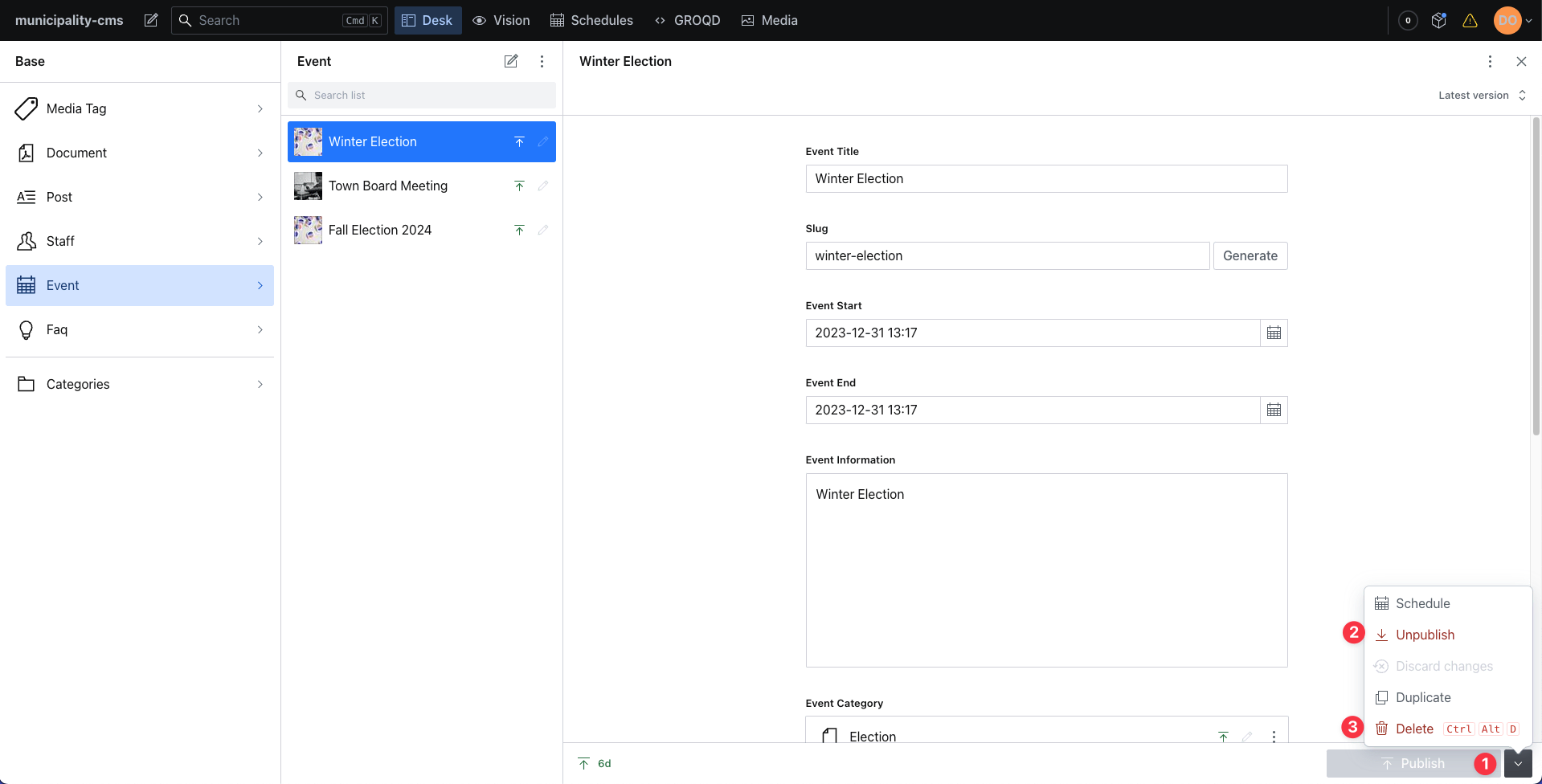
- Select the category pertaining to the item you want to unpublish or delete (Event, Post, etc.).
- Select the item within the panel that opens.
- Click the drop down arrow next to the publish button.
- Click Unpublish or Delete
Whats the difference between unpublish and delete?
Unpublishing puts the item back to a "Draft" state which keeps the content in place but it will not appear live on the website until it is republished.
Deleting removes the item forever.